
Immutability & WORM
Immutable backups are your last line of defense: even a compromised admin or ransomware cannot alter or delete them before their retention expires.
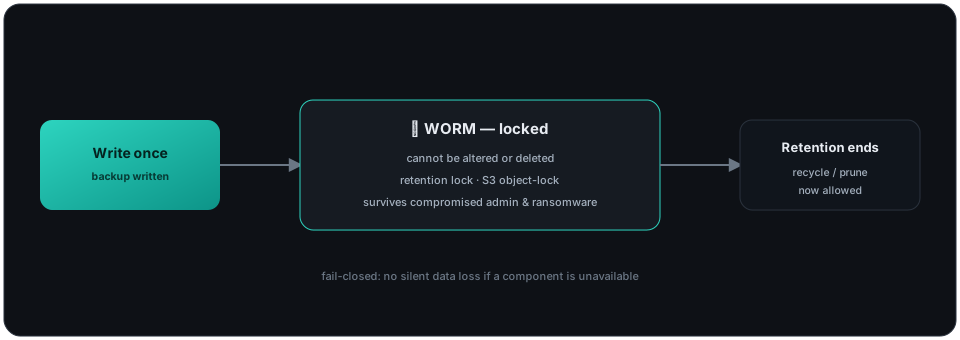
What you get
Section titled “What you get”- WORM (Write Once, Read Many) volumes — a
Read Only = yesdevice refuses every write, label, truncate and relabel operation, so once written the data cannot be changed. - Retention locks — volumes can’t be recycled or pruned until their
Volume Retentionelapses (see the Pool reference). - Cloud object lock (S3 / Azure / GCS / OCI) — set
Object Lock = GovernanceorCompliance(withObject Lock Retention) on the Cloud resource. Uploads then carry the provider’s per-object WORM stamp — S3 Object Lock headers, an Azure per-blob immutability policy, or a GCS object retention — so the object store itself refuses to delete or overwrite the backup until its retention expires — cloud-side WORM that survives a compromised admin or the backup software itself. OCI has no per-object lock: there the driver instead verifies the bucket carries an adequate bucket-level retention rule and refuses to start otherwise. Each provider needs its WORM feature enabled on the bucket/container at creation; see the Cloud resource reference for the per-provider requirements. - Fail-closed semantics — no silent data loss if a component is unavailable.
Combine immutability with Ransomware detection and Encryption for defense in depth.